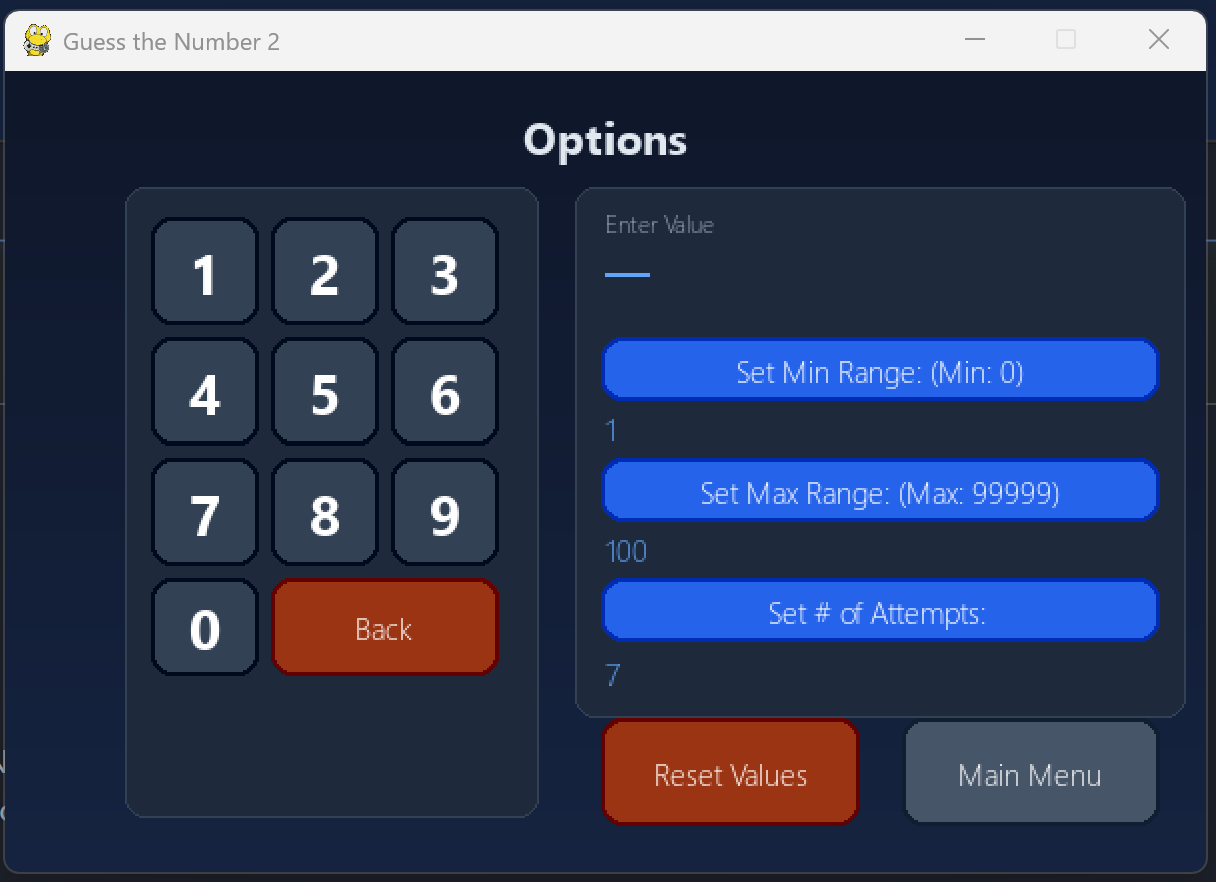
Guess the Number 2
My second attempt at creating a "Guess the Number" game using pygame.
Overview
Guess the Number 2 is my second ever Python project and my first attempt at building a graphical game using Pygame. After creating a console‑only version, I wanted to understand how to structure a small application using object‑oriented programming and how to manage state, events, and user interaction in a real game loop. This project became a practical way to apply those concepts while building something simple, visual, and interactive.
Project Structure
The repository is organised into small, focused modules that each handle a specific responsibility:
- main.py — the entry point that initialises Pygame, sets up the game window, and starts the main loop.
- game.py — the core game logic, including number generation, guess checking, state transitions, and rendering text to the screen.
- button.py — a reusable Button class that handles drawing, hover states, and click detection.
- history.csv — a simple log of previous guesses and outcomes, used to experiment with basic persistence.
This structure helped me understand how to break a project into components instead of writing everything in one file
Technical Breakdown
The game uses Pygame to render text, handle events, and update the screen. The logic is encapsulated in classes, which was my main learning goal:
- Object‑oriented design — separating the game logic (Game class) from UI elements (Button class).
- Event handling — capturing keyboard input and button clicks through the Pygame event loop.
- State management — tracking the current guess, the target number, win/loss conditions, and resetting the game.
- Rendering — drawing text, updating the screen, and refreshing the UI each frame.
- Basic persistence — writing results to history.csv to understand file I/O
Challenges and How I Solved Them
- - Structuring the game loop — initially everything lived in main.py, but moving logic into game.py made the code easier to follow and extend.
- - Button interactions — detecting clicks reliably required separating drawing from event handling, which led to the dedicated Button class.
- - Managing state cleanly — I learned to avoid global variables and instead store state inside the Game object.
- These challenges taught me how to think about small applications as systems rather than scripts.
Button Class
class ButtonStd():
  def __init__(self, colour, x, y, width, height, text =""):
    self.colour = colour
    self.x = x
    self.y = y
    self.width = width
    self.height = height
    self.text = text
    self.clicked = False
    self.rect = pygame.Rect(x, y, width, height)

  def draw(self, surface, font, outlined=False):
    # Hover: brighten colour when mouse is over button
    pos = pygame.mouse.get_pos()
    if self.rect.collidepoint(pos):
      draw_colour = tuple(min(v + 45, 255) for v in self.colour)
    else:
      draw_colour = self.colour

    # Darker border derived from button colour
    if outlined:
      border_colour = tuple(max(v - 55, 0) for v in self.colour)
      pygame.draw.rect(surface, border_colour, (self.x - 2, self.y - 2, self.width + 4, self.height + 4), 0, 10)

    # Button body with rounded corners
    pygame.draw.rect(surface, draw_colour, (self.x, self.y, self.width, self.height), 0, 8)

    # White text centred on button
    if self.text != "":
      text_surf = font.render(self.text, True, (255, 255, 255))
      surface.blit(text_surf, (
        self.x + (self.width / 2 - text_surf.get_width() / 2),
        self.y + (self.height / 2 - text_surf.get_height() / 2)
      ))

    if self.clicked == True:
      self.clicked = False
      return True
    else: pass

  def isclicked(self, event):
    pos = pygame.mouse.get_pos()
    if event.type == pygame.MOUSEBUTTONDOWN or event.type == pygame.FINGERDOWN:
      if event.button == 1:
        if self.rect.collidepoint(pos):
          self.clicked = True
        else:
          self.clicked = False
What I Learned
This project was a major step in my early Python journey. It helped me:
- Understand how classes interact in a real program
- Build confidence with Pygame’s event loop
- Separate logic, UI, and state into clear components
- Move from “just writing code” to designing small, maintainable modules
It also showed me how much easier it is to extend a project when the structure is clean.
Future Improvements
- Add difficulty levels or timed modes
- Improve UI layout and typography
- Add sound effects and animations
- Replace CSV logging with a small JSON or SQLite history
- Package the game as a standalone executable
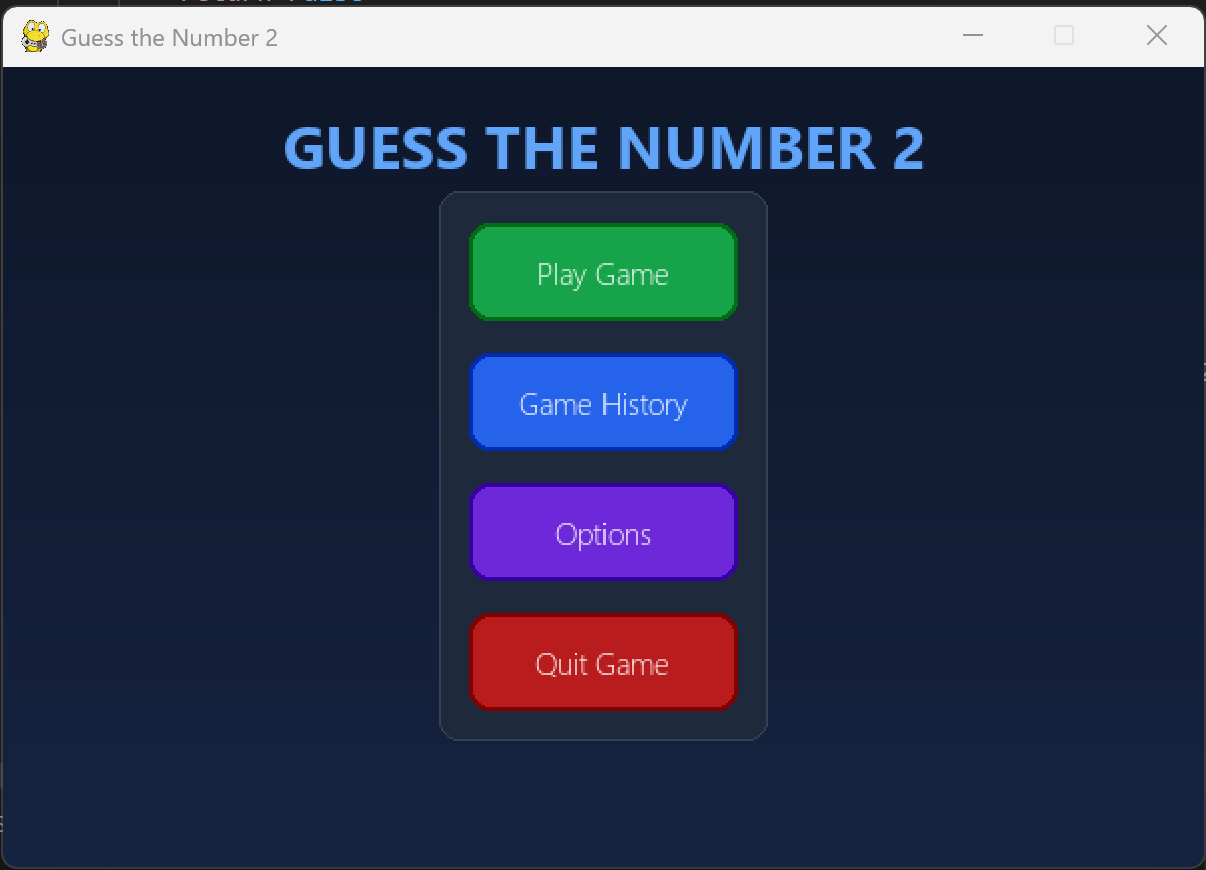
Home Screen
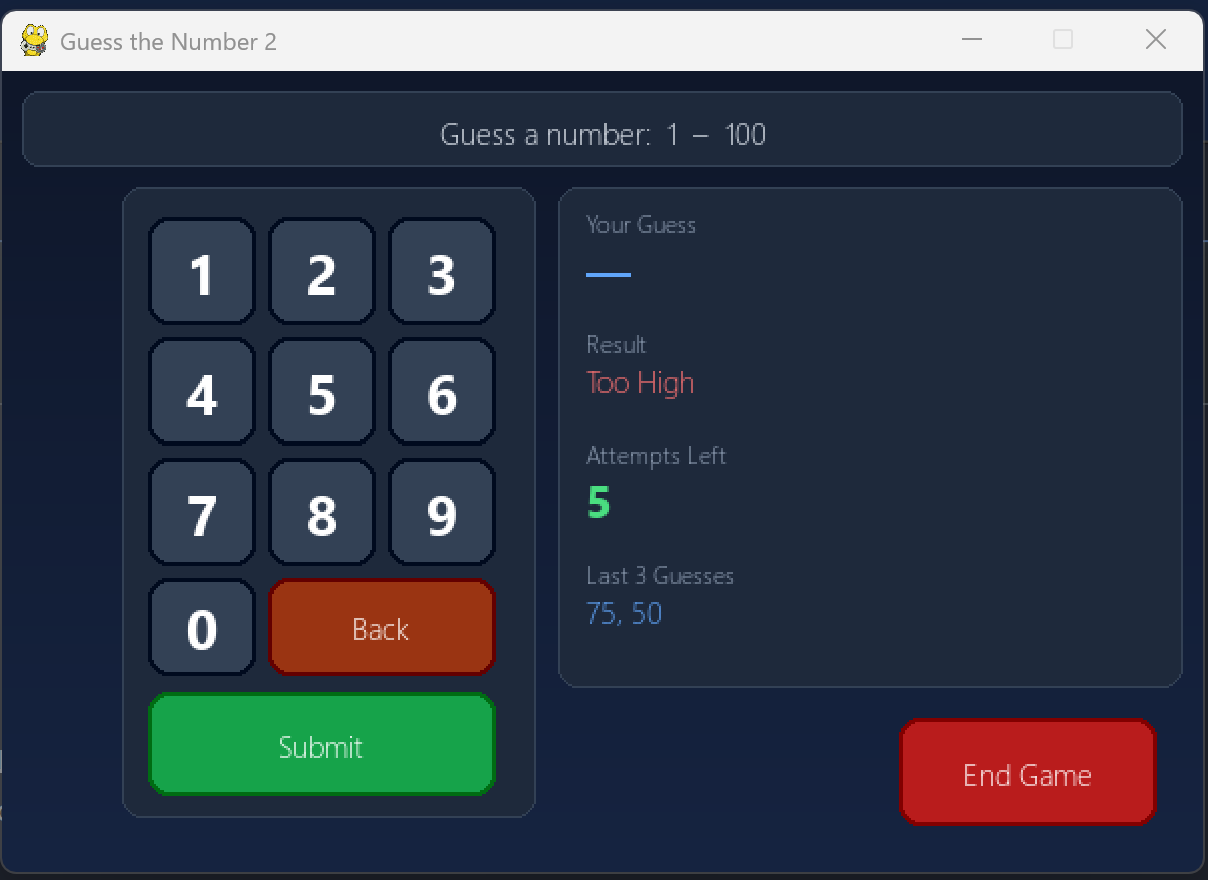
Gameplay
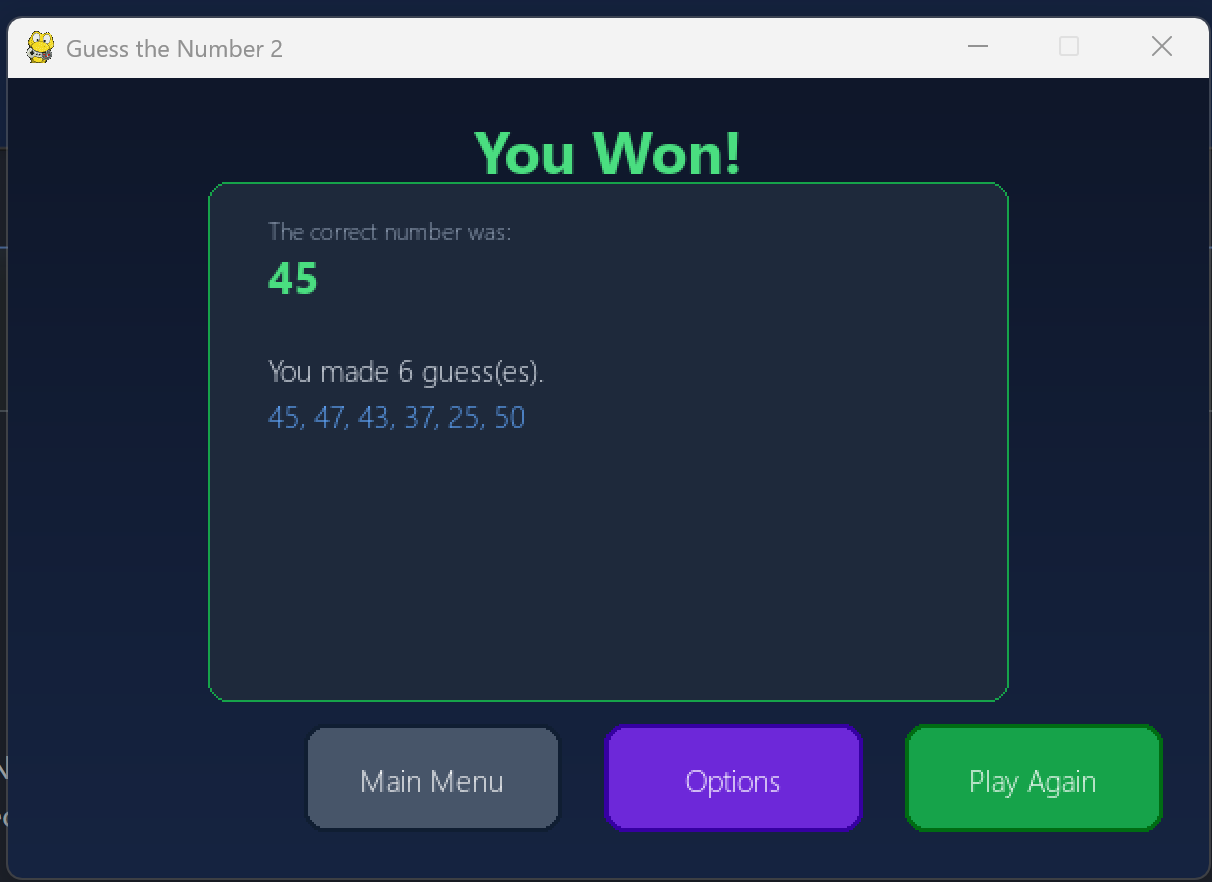
Win
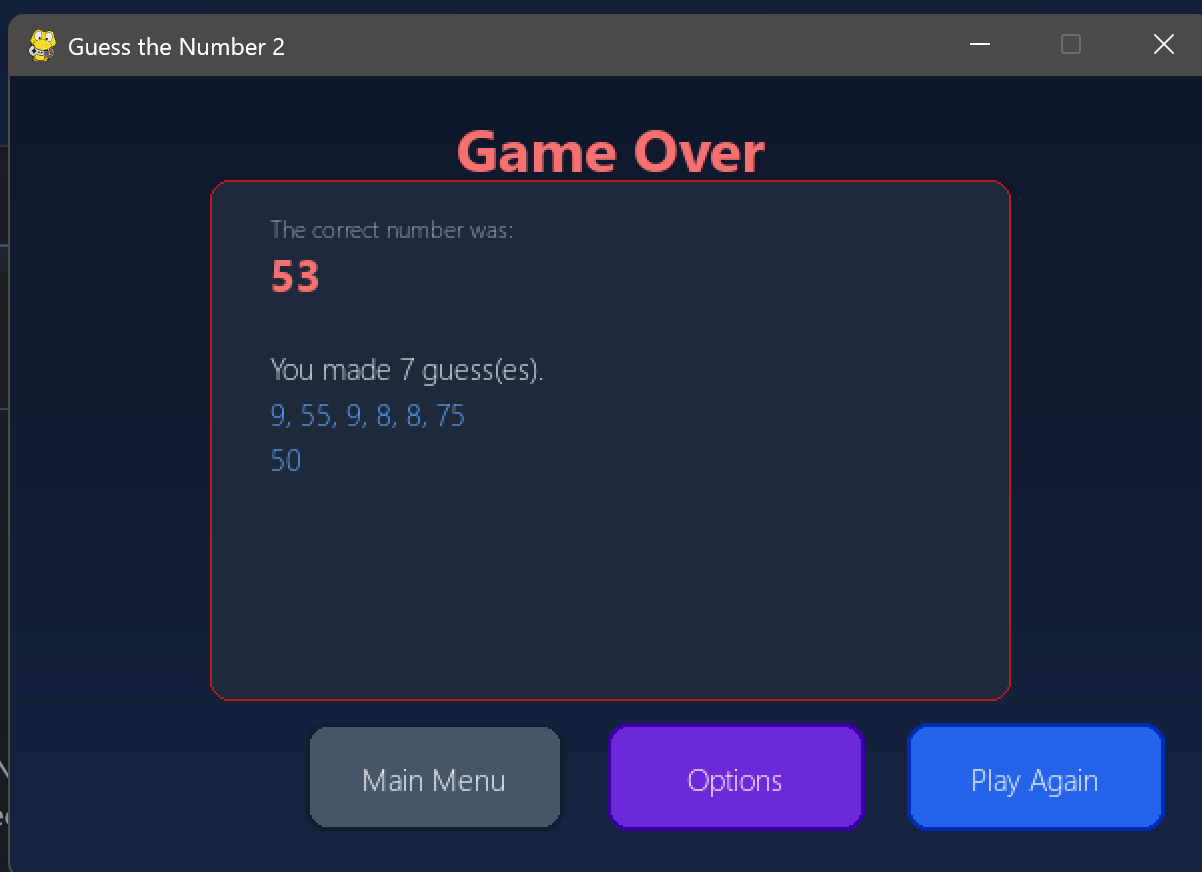
Lose
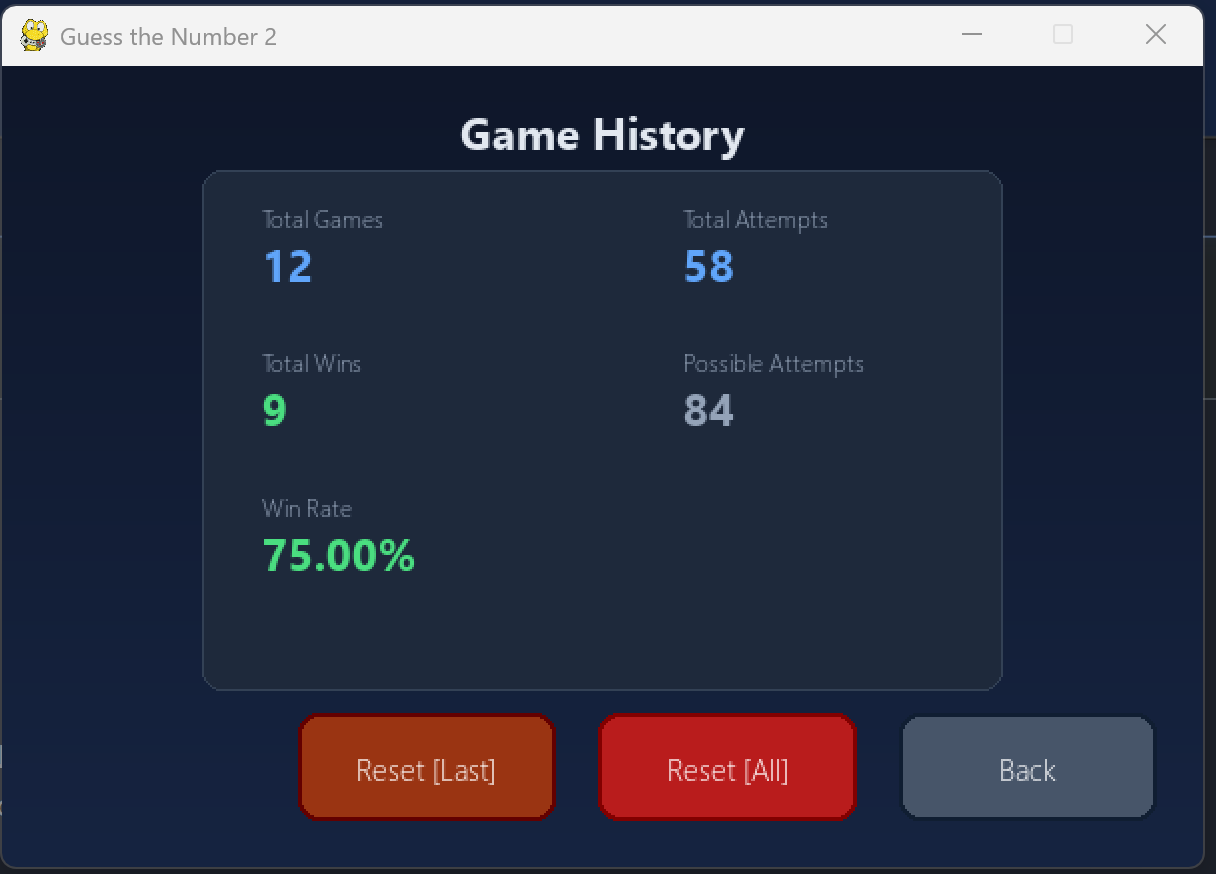
Game History
Game Options